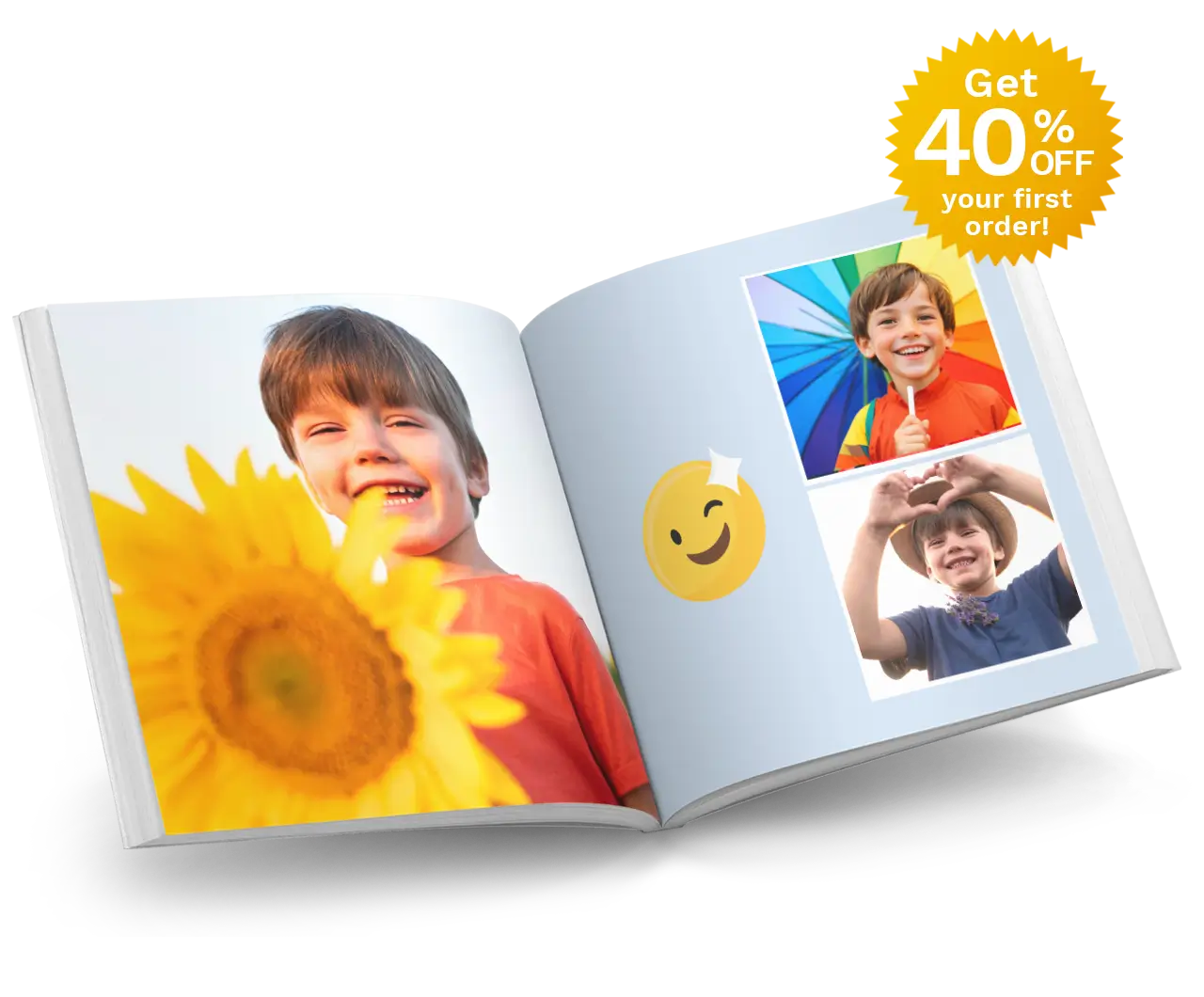
The Book I Should Have Made By Now - how to redeem your voucher.
NOVEMBER 1ST, 2014

Want to redeem your The Book I Should Have Made By Now voucher?
Here's what to do:
- STEP ONE
- Click "Get Started" to download our free software Editor.
- STEP TWO
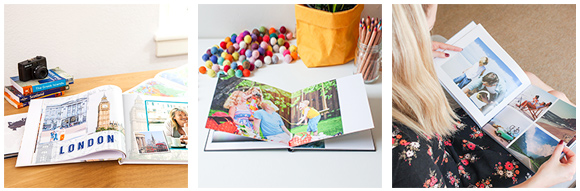
- Create a Photo Book.
- STEP THREE
- Use voucher code (you received in our email) in the Shopping Cart.
Then you simply complete your order, and upload your project.
For more detailed instructions on how to add extra pages and enter your voucher code, please follow the steps below:
1. ADD DISCOUNT
To receive your 25% Off offer, you must apply the voucher code (in the email we sent you) on the 'Payment' page in the Shopping Cart.
The Payment page is the third page of the Shopping Cart. You must complete the My Cart and Shopping/Billing pages first.
On the Payment page you will see a 'Voucher Code' field. Enter the code in the field and click Redeem. This will deduct 25% from your total price.

2. PLACE YOUR ORDER
Once the Voucher Code has been applied you can click Confirm Order to complete your order.

Then, just ensure your project has been uploaded to our server to finalise your order.
If you have any problems, our Customer Service team are happy to help. Just call 1300 553 448.
So, what are you waiting for? Click "Get Started" at the top of the page to start making your Photo Book!
Stay up-to-date with exciting offers, specials and competitions by following us on Facebook.