How to get your 20% off Calendars, HD Photo Flips and Posters - Special Facebook Offer
DECEMBER 17TH, 2013
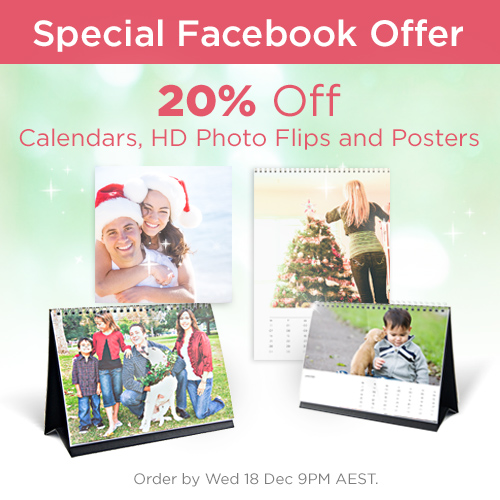
Want to redeem redeem your Special Facebook Offer - 20% off Calendars, HD Photo Flips and Posters?
Please carefully read the instructions below:
1. Create/Design your Calendar, HD Photo Flip or Poster.
Simply click "Create - New Project" above, and download our Editor. Then select the product you want to create.
Once the Editor is open, upload the photos you want to use, and drag and drop them onto the pages you want. If you need any assistance while creating your product, just call our Customer Service team on 1300 553 448.
2. Enter Shopping Cart.
Once your product is complete, click the Shopping Cart icon in the top right corner of the Editor.
3. Add Voucher Code.
And most importantly, apply the Voucher Code FBXMASOFFER. If you do not enter this code into the Voucher Code field, you cannot receive your discount.*

4. Order.
Once you apply your Voucher Code, the "20% off" discount will be applied to your order. You can now proceed and complete your purchase.

And that's it! Your product will be with you within 7 business days.
Just in time for Christmas!!
*Offer not valid with any other promotional codes or offers. Products must be ordered by Wed 18 Dec 9PM AEST.