Search
What is text foiling and how do I add it to my Photo Book order?
Text foiling is a beautiful way to personalise the Premium Material cover of your hardcover Photo Book. Your customer message is applied using a precision foiling process, creating an elegant metallic finish.
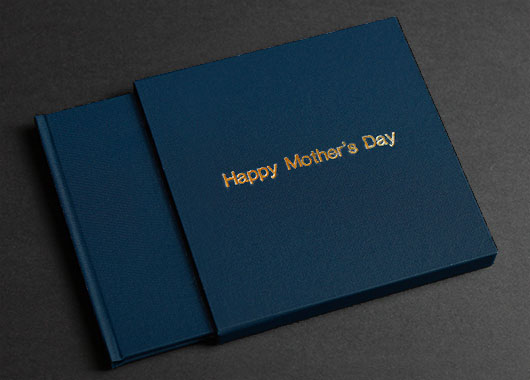
You can choose:
Typeface: Optima or Helvetica 36pt (except 8x8" and 8x6" books which use a 14pt font)
Finish: Gold or Silver foil
Text: 1 or 2 lines, up to 25 characters per line
You can also add text foiling to your slip case or presentation box during checkout. Learn more about accessories for Photo Books ›
How to add text foiling to your order:
Choose a Premium Material cover for your Photo Book during project setup
On the ‘My Cart’ screen of the shopping cart, click the ‘Change’ button under Add-On Text Foiling.
Select the typeface and finish you’d like, then click ‘Change’.
Enter your desired text in the fields provided.
See how to add text foiling in this quick video: